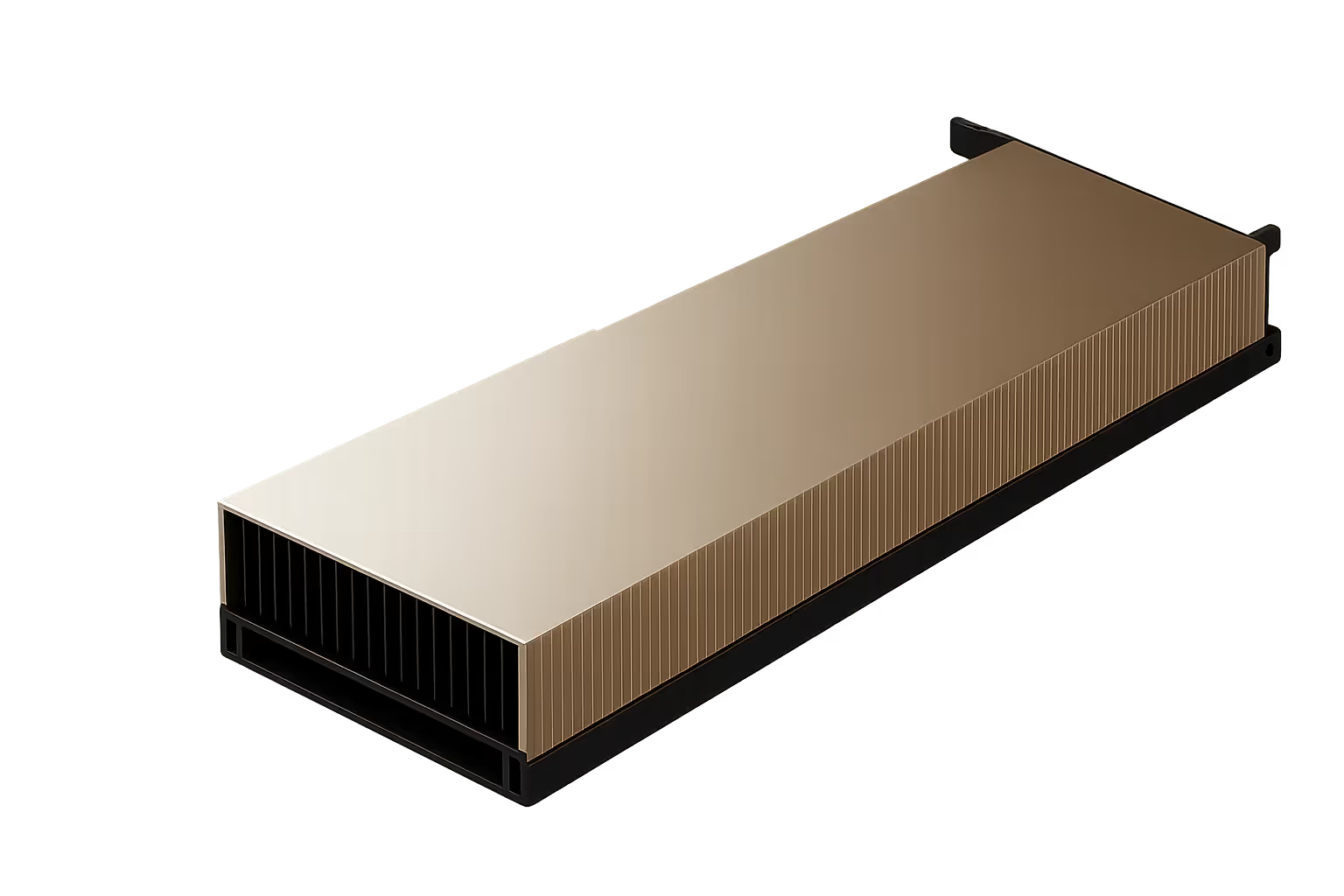

Powering the next generation of AI & high-performance computing.
Engineered for large-scale AI training, deep learning, and high-performance workloads, delivering unprecedented compute power and efficiency.
Why rent the H100 PCIe instead of buying?
Performance for serious AI workloads
NVIDIA's Hopper architecture delivers up to 4× faster LLM training than the A100, with Transformer Engine support and fourth-generation Tensor Cores that scale from fine-tuning to full pre-training runs. The H100 PCIe is built for the workloads that exhaust lesser GPUs.
Pay only for what you use
Purchasing an H100 outright costs upwards of $25,000–$30,000 per card. Runpod's on-demand and spot pricing lets you access the same hardware instantly, with no capital commitment, no depreciation, no idle hardware.
Deploy in seconds, scale without limits
Provision an H100 PCIe instance in seconds. Scale up to a cluster, switch to a different GPU, or shut everything down when you're done. Runpod handles infrastructure so you don't have to.
Use Cases
Popular use cases.
Designed for demanding workloads. Learn if this GPU fits your needs.




Technical Specs
Ready for your most demanding workloads.
Essential technical specifications to help you choose the right GPU for your workload.
| Specification | Details | Great for... |
|---|---|---|
| Architecture | NVIDIA Hopper (GH100) | Next-gen AI workloads requiring the latest efficiency gains |
| Manufacturing Process | 5nm TSMC | High transistor density enabling peak AI throughput per watt |
| Transistors | 80 billion | N/A |
| Die Size | 814 mm² | N/A |
| Form Factor | FHFL, dual-slot PCIe | Deploying in existing PCIe server infrastructure without NVLink |
| NVLink Support | Up to 3 bridges, 600 GB/s | Multi-GPU workloads requiring fast peer-to-peer memory access |
| GPU Memory | 80 GB HBM2e | Loading large model weights without CPU offloading |
| Clock Speeds | Base 1,095 / Boost 1,755 MHz | Sustained high-frequency compute for long training runs |
| Power Consumption | 350 W (1× 16-pin) | Predictable power budgeting for multi-GPU racks |
| Multi-Instance GPU (MIG) | Up to 7 instances | Splitting one H100 across multiple isolated inference workloads |
| Security | Secure Boot (CEC) | Sensitive and regulated workloads requiring hardware-level trust |
| FP64 Performance | 26 TFLOPS | High-precision scientific computing and simulation |
| FP32 Performance | 51 TFLOPS | Standard precision training and inference |
| BF16 Tensor Core | 1.513 PFLOPS | Stable large model training with the numeric range of FP32 |
| FP8 Tensor Core | 3.026 PFLOPS | Maximum inference throughput with quantized models |
"The Runpod team has clearly prioritized the developer experience to create an elegant solution that enables individuals to rapidly develop custom AI apps or integrations while also paving the way for organizations to truly deliver on the promise of AI."

Amjad Masad
"Runpod is the only place I can deploy high-end GPU models instantly. No sales calls, no rate limits, no nonsense."

Daniel Chang
“The main value proposition for us was the flexibility Runpod offered. We were able to scale up effortlessly to meet the demand at launch.”

Josh Payne
“Runpod helped us scale the part of our platform that drives creation. That’s what fuels the rest. Image generation, sharing, remixing. It starts with training.”

Matty Shimura
Comparison
Powerful GPUs. Globally available. Reliability you can trust.
30+ GPUs, 31 regions, instant scale. Fine-tune or go full Skynet. We’ve got you.
FAQs
Questions? Answers.
What are the current hourly rental rates for NVIDIA H100 PCIe GPUs?
Runpod offers H100 PCIe from $1.99/hr on Community Cloud and $2.39/hr on Secure Cloud. Rates vary by instance type and availability. For the most current pricing, see the Runpod pricing page.
What factors affect the cost of renting an H100 PCIe?
Key cost drivers include whether you're running on-demand or spot instances, Community vs. Secure Cloud, storage needs (network volumes, container storage), and data egress. Savings plans are available for teams with predictable usage; contact Runpod for details.
What should I look for when choosing a GPU cloud provider for H100 rentals?
Prioritize: (1) consistent GPU availability without waitlists or sales calls; (2) transparent, by-the-second billing; (3) global region coverage to minimize latency; (4) pre-configured container environments to reduce setup time; and (5) 24/7 support with real documentation. Runpod covers all five.
How do I get started renting an H100 PCIe on Runpod?
Create a Runpod account, navigate to GPU Cloud, select the H100 PCIe, choose Community or Secure Cloud, configure your pod (template, storage, ports), and deploy, the whole process takes under two minutes. For AI training and inference workloads, Runpod provides pre-built templates for PyTorch, TensorFlow, and popular diffusion frameworks.
Is the H100 PCIe suitable for sensitive or regulated workloads?
Yes. Runpod Secure Cloud instances include enterprise-grade reliability, network-attached storage, and hardware-level security via the H100's Secure Boot (CEC) support. For GDPR, HIPAA, or SOC 2 requirements, review Runpod's security documentation and contact the team about compliant deployment options.
12,380,000,000
Requests since launch & 1M+ developers worldwide